

Understanding GitHub Actions Concurrency
Search for a command to run...
No comments yet. Be the first to comment.
Introduction User access management is one of the most fundamental responsibilities in any infrastructure environment, yet it is often handled in an ad hoc and manual way. In many organizations, espec
Managing sensitive credentials like API keys across multiple GitHub repositories is challenging. It leads to duplicate secrets, a lack of versioning, and potential inconsistencies between environments. The solution is to use HashiCorp Vault Secrets o...
Introduction DevOps engineers today spend countless hours context-switching between dashboards, logs, cloud consoles, and documentation. Traditional AI tools like ChatGPT are great at answering questions, but they lack direct access to your infrastru...
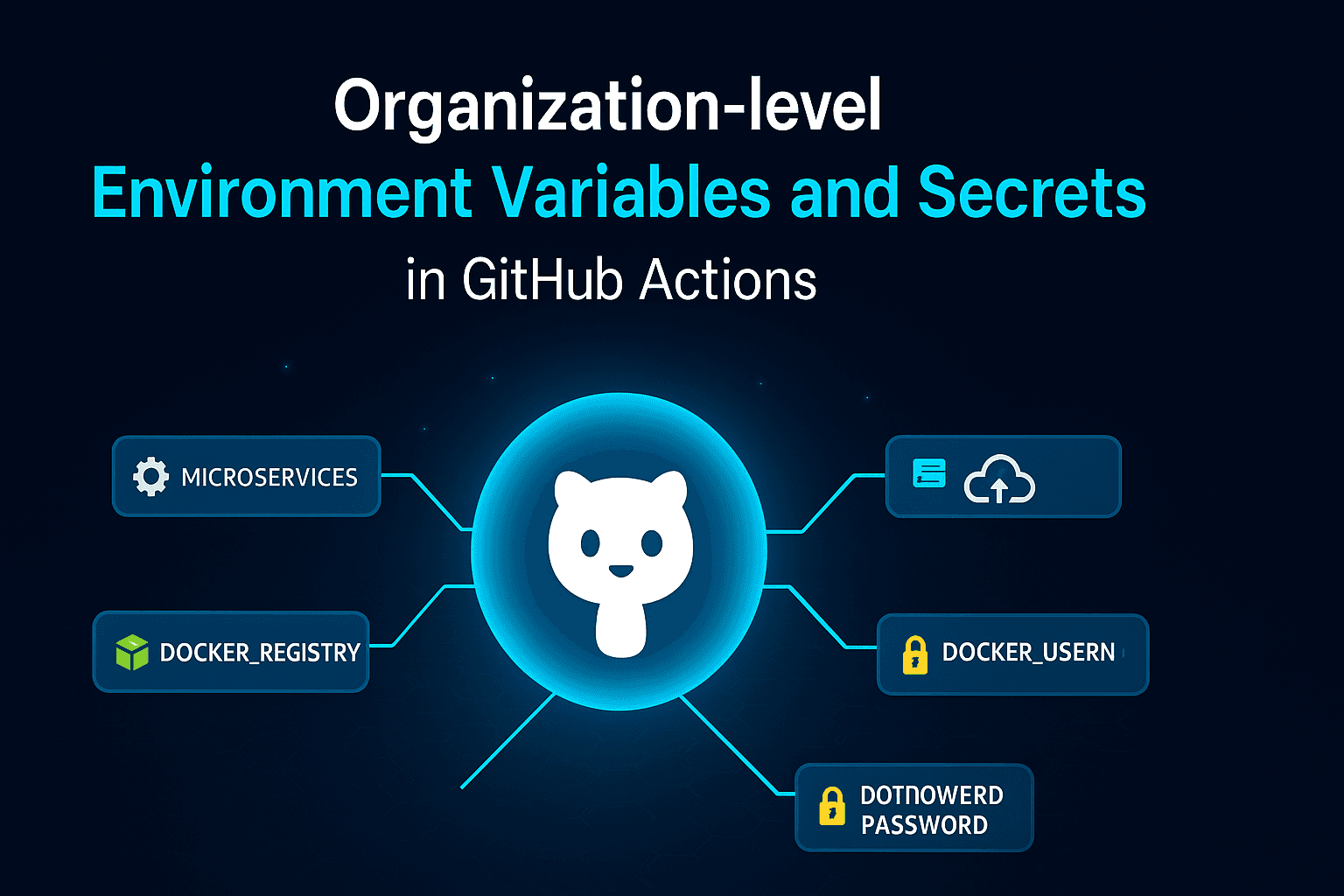
When teams scale, managing workflows across multiple repositories becomes more complex. Each project often shares common configuration values, cloud credentials, or deployment secrets. Instead of duplicating these across repositories, GitHub provides...
CloudDecode
11 posts
CloudDecode simplifies cloud & DevOps—covering Azure, AWS, Kubernetes, Terraform, CI/CD & more—with clear guides to help you decode, learn, and build with confidence.
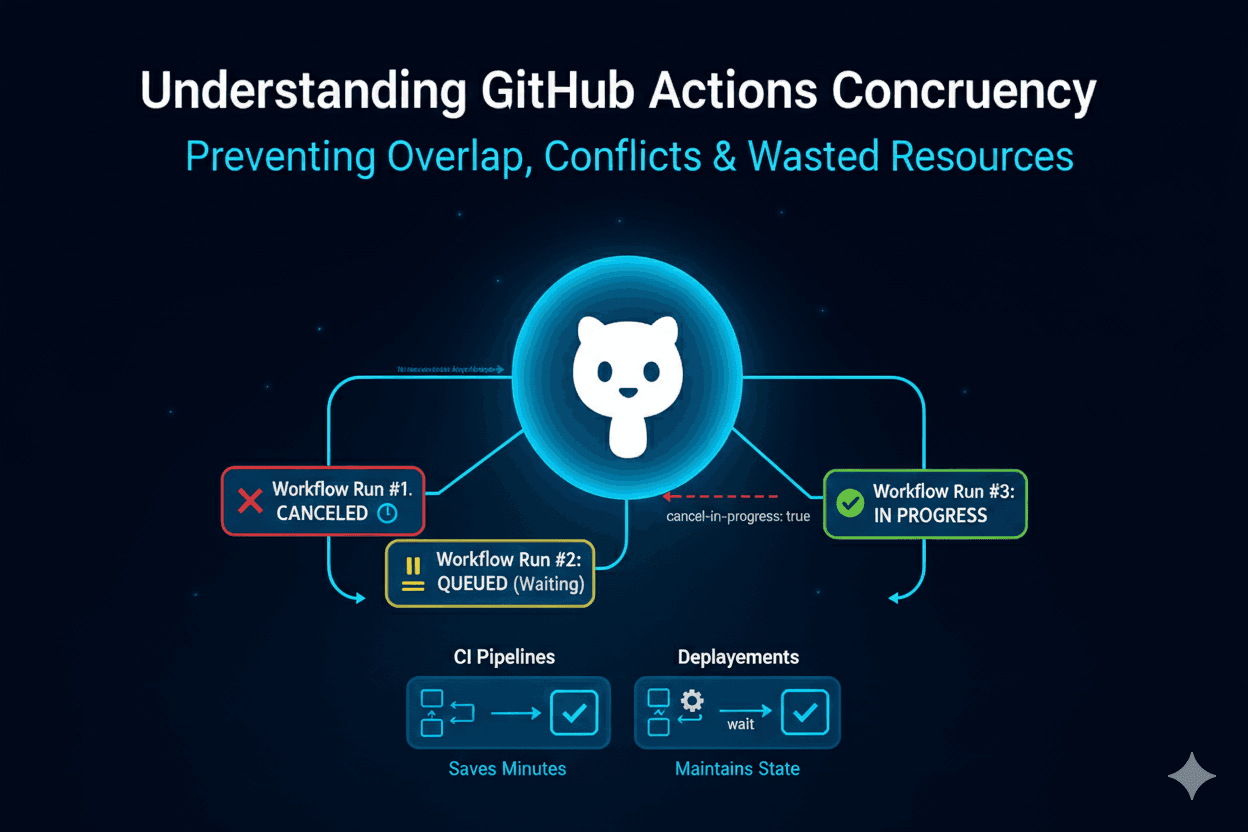
When working with GitHub Actions, you may face situations where multiple workflow runs overlap, consume unnecessary resources, or even cause conflicts in deployment. This is where concurrency comes into play.
Concurrency in GitHub Actions allows you to control how workflow runs are handled when a new run is triggered before a previous one finishes. By defining concurrency rules, you can decide whether to cancel, queue, or allow multiple runs simultaneously.
Imagine the following scenarios:
CI pipelines: A developer pushes multiple commits rapidly. Without concurrency control, each commit triggers a workflow, resulting in unnecessary duplicate builds.
Deployments: Two workflows triggered close together may attempt to deploy to the same environment at the same time, leading to inconsistent states.
Resource Management: Avoiding multiple parallel runs saves GitHub-hosted runner minutes and keeps pipelines efficient.
You can define concurrency in your workflow YAML file using the concurrency key:
name: CI Pipeline

on:
  push:
    branches:
      - main

jobs:
  build:
    runs-on: ubuntu-latest
    concurrency:
      group: ci-build-${{ github.ref }}
      cancel-in-progress: true

    steps:
      - name: Checkout
        uses: actions/checkout@v4
      - name: Build
        run: echo "Running build for $GITHUB_REF"
groupDefines the "bucket" that runs belong to.
Can be static (e.g., "deploy") or dynamic (e.g., "deploy-${{ github.ref }}").
Runs in the same group respect concurrency rules.
cancel-in-progressIf true: cancels any currently running jobs in the same group before starting a new one.
If false (default): waits until the current run in the group finishes before starting the next one.
Useful for CI pipelines where only the latest commit matters:
concurrency:
  group: ci-${{ github.ref }}
  cancel-in-progress: true
Ensures only one deployment per environment happens at a time:
concurrency:
  group: deploy-production
  cancel-in-progress: false
jobs:
  test:
    runs-on: ubuntu-latest
    strategy:
      matrix:
        node: [14, 16, 18]
    concurrency:
      group: test-${{ matrix.node }}
      cancel-in-progress: true
Use meaningful group names
Use ${{ github.ref }} or ${{ github.workflow }} to scope groups appropriately.
Cancel aggressively for CI
Saves time and runner minutes when frequent commits occur.
Don’t cancel for deployments
Deployment pipelines should finish in order to maintain state consistency.
Mix with environments
You can combine concurrency with environment protection rules for more reliable workflows.
Suppose you are building and pushing a Docker image on every push to main. Without concurrency, multiple builds may try to push at the same time.
name: Docker Build & Push

on:
  push:
    branches:
      - main

jobs:
  docker-build:
    runs-on: ubuntu-latest
    concurrency:
      group: docker-main
      cancel-in-progress: true

    steps:
      - name: Checkout
        uses: actions/checkout@v4

      - name: Log in to DockerHub
        uses: docker/login-action@v2
        with:
          username: ${{ secrets.DOCKER_USERNAME }}
          password: ${{ secrets.DOCKER_PASSWORD }}

      - name: Build and Push
        run: |
          docker build -t myapp:latest .
          docker push myapp:latest
Here, if multiple pushes happen rapidly, only the latest Docker build will continue.
Concurrency in GitHub Actions is a powerful feature to:
Avoid duplicate work,
Prevent deployment conflicts,
Save runner minutes.
By properly configuring group and cancel-in-progress, you can make your pipelines faster, cheaper, and more reliable.